


Download OvO – Fun, Motion-Based Mini-Games for Webcam Play
Overview
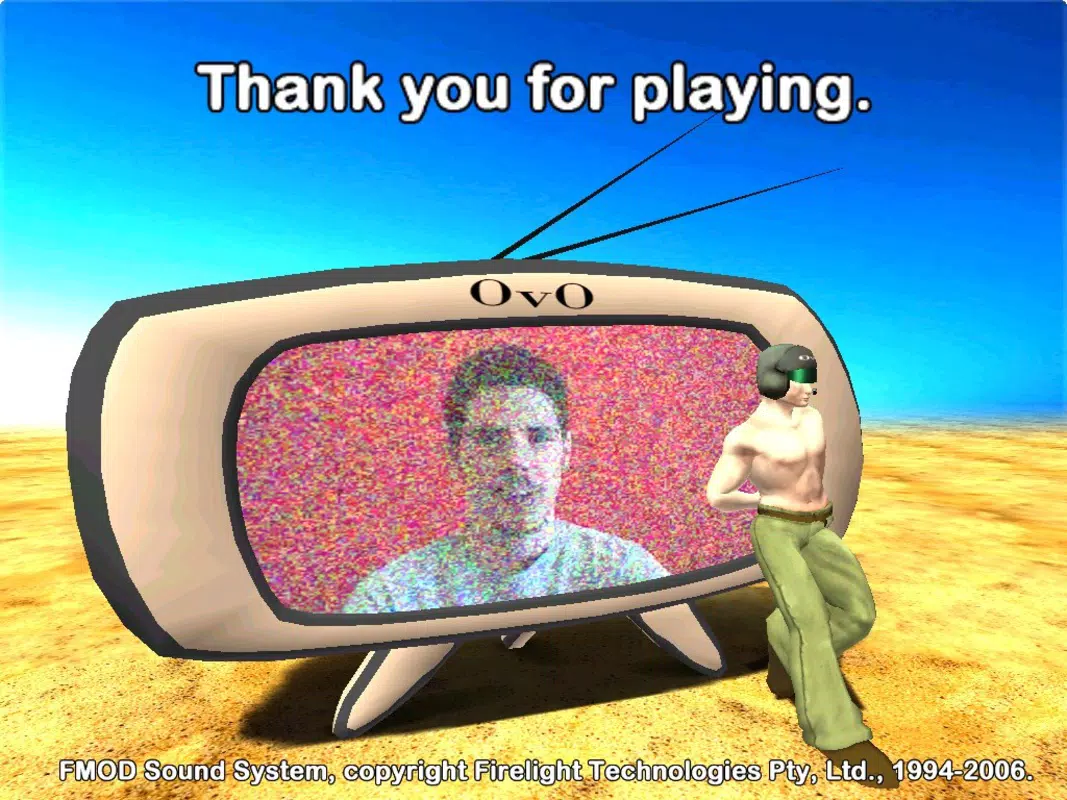
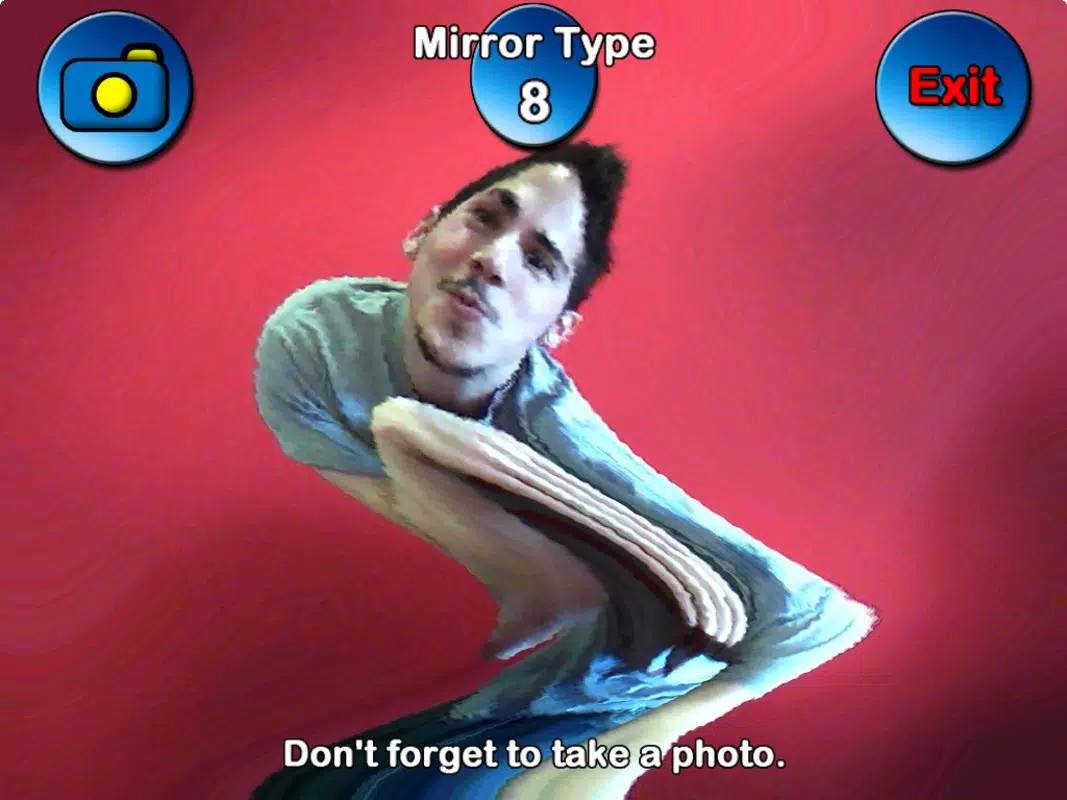
OvO is a motion-based entertainment application that transforms a standard webcam into a gaming controller, offering a playful and interactive experience reminiscent of the PlayStation 2’s Eye Toy. Designed for casual enjoyment, the app enables users to engage in physical gameplay through body movements captured by their webcam, eliminating the need for traditional game controllers. This approach makes it particularly suitable for informal gatherings, family game nights, or social events where participants seek active, low-barrier fun.
The app supports up to eleven distinct mini-games, each structured around motion recognition and real-time interaction. These games include tasks such as eliminating colored objects, kicking targets, and reacting to on-screen cues—all controlled through gestures and movements. This design promotes physical engagement, blending entertainment with light physical activity, which can be especially beneficial for users seeking alternatives to sedentary gaming.
Although the developer’s background is not specified, the app’s release date of August 19, 2008, places it within the early wave of motion-controlled digital entertainment. Its continued relevance lies in its simplicity and accessibility—requiring only a webcam and minimal setup. OvO fits into the broader ecosystem of utility-based and interactive apps that leverage existing hardware for innovative experiences, offering a nostalgic yet functional tool for digital recreation.
Key Features & Functionality
- Webcam-Based Motion Control: The core functionality of OvO relies on real-time motion detection via a webcam. Players use body movements—such as waving, tilting, or stepping—to trigger in-game actions, creating an immersive, hands-free experience.
- Eleven Mini-Games: The app features a diverse selection of short, fast-paced games, each with unique objectives and mechanics. These include reaction-based challenges, object-elimination tasks, and physical coordination exercises, ensuring variety and replayability.
- Zero Controller Dependency: Unlike most games, OvO requires no external input devices. This simplifies setup and lowers the barrier to entry, making it ideal for users unfamiliar with gaming hardware.
- Family and Social Play: The game’s intuitive design allows players of all ages to participate without instruction. Its social nature makes it well-suited for group settings, where laughter and movement are encouraged.
- Active and Fitness-Enhancing Gameplay: By requiring physical movement, OvO promotes light physical activity, turning gaming into a form of playful exercise that can be enjoyed during breaks or gatherings.
For example, in one mini-game, players might need to dodge or kick away blue balls appearing on screen—requiring quick side-to-side motion. Another game could challenge users to maintain balance or follow on-screen prompts through controlled gestures. These scenarios illustrate how motion translates into gameplay, turning the user’s body into the primary controller.
Interface, UX & Performance
The user interface of OvO appears designed around simplicity and immediate accessibility. Upon launching, the app likely presents a clean main menu with visual cues for selecting games, adjusting webcam settings, and starting play. Navigation is expected to be intuitive, relying on minimal on-screen text and clear visual indicators to guide users through setup and gameplay.
Given the nature of motion-based control, the app’s responsiveness is crucial. Although the developer did not list formal performance metrics, the game’s design suggests optimized frame processing to detect and interpret movements in real time. Users should experience minimal lag during gameplay, ensuring that actions are reflected accurately and promptly on screen.
Stability across different device categories is not specified, but the app’s reliance on basic webcam functionality implies broad compatibility with standard desktop systems. Performance may vary depending on webcam quality, lighting conditions, and system resources. However, the absence of complex graphics or heavy processing indicates that OvO is likely lightweight and efficient in operation.
Platform Compatibility & Technical Requirements
OvO is designed for desktop environments, with compatibility confirmed for Windows operating systems. The app requires a functional webcam to operate, which is the primary input device. Specific OS versions and minimum system requirements were not listed by the developer.
The file size of the application is not disclosed, but given its nature as a motion-based game with limited graphics and minimal processing demands, it is likely to be a lightweight download. The app’s release date of August 19, 2008, indicates it was developed during an era of early motion control technology, which may affect its compatibility with modern operating systems.
The developer did not specify minimum OS requirements or hardware specifications beyond the webcam. As such, users should ensure their system supports webcam access and basic video processing to run the app successfully.
Pros and Cons
Pros
- Unique motion-based gameplay using only a webcam
- Simple setup with no need for additional controllers
- Family-friendly and suitable for group entertainment
- Encourages physical movement and active participation
- Offers a variety of mini-games to maintain engagement
Cons
- Compatibility with modern operating systems is uncertain
- No official updates or support since 2008
- Performance may depend heavily on webcam quality and lighting
- Limited information on system requirements and technical specs
- Not optimized for mobile or touch-based devices
FAQ
Is OvO available for mobile devices?
The app was designed for desktop use and does not support mobile platforms. It requires a webcam, which is not typically available on smartphones or tablets.
Do I need a special webcam to play OvO?
Any standard USB webcam should work, provided it supports real-time video capture. However, performance may vary depending on resolution and frame rate.
Can I play OvO without an internet connection?
Yes, the game operates offline. Once installed, it does not require an internet connection to run or access its core features.
Is OvO safe to download and install?
While the app is available through third-party sources, users should ensure they download from trusted platforms. As a legacy application, it may not be signed or verified by modern app stores.
Are there regular updates for OvO?
There are no known updates since its release in 2008. The app is considered a static version of its original form, with no ongoing development or support.
Final Thoughts + CTA
OvO stands as a nostalgic yet functional example of early motion-based gaming, transforming everyday webcams into interactive controllers. Its focus on physical movement, social play, and simplicity makes it a unique tool for casual entertainment, especially in family or group settings. While its age and lack of modern updates may limit compatibility, the core concept remains appealing for those seeking fun, active gameplay without complex hardware.
For users with older systems or those exploring retro gaming experiences, OvO offers a rare blend of physical engagement and digital interactivity. Its lightweight nature and minimal requirements make it a low-risk option for experimentation. Whether used for a party game or a playful break from screen time, it delivers on its promise of motion-driven fun.
Download OvO now and rediscover the joy of moving your body to play a game—no controller required.


